Partner brochure · 2026
A second counter.
Not a second hire.
A walk-up kiosk for the short jobs already on your counter. The customer scans, pays, and collects. Your people stay on the work that needs them.
- Customer
- No app. UPI or card.
- You choose
- Buy it, or split it.
- From
- ₹1,50,000 plus GST
- Built in
- Pune
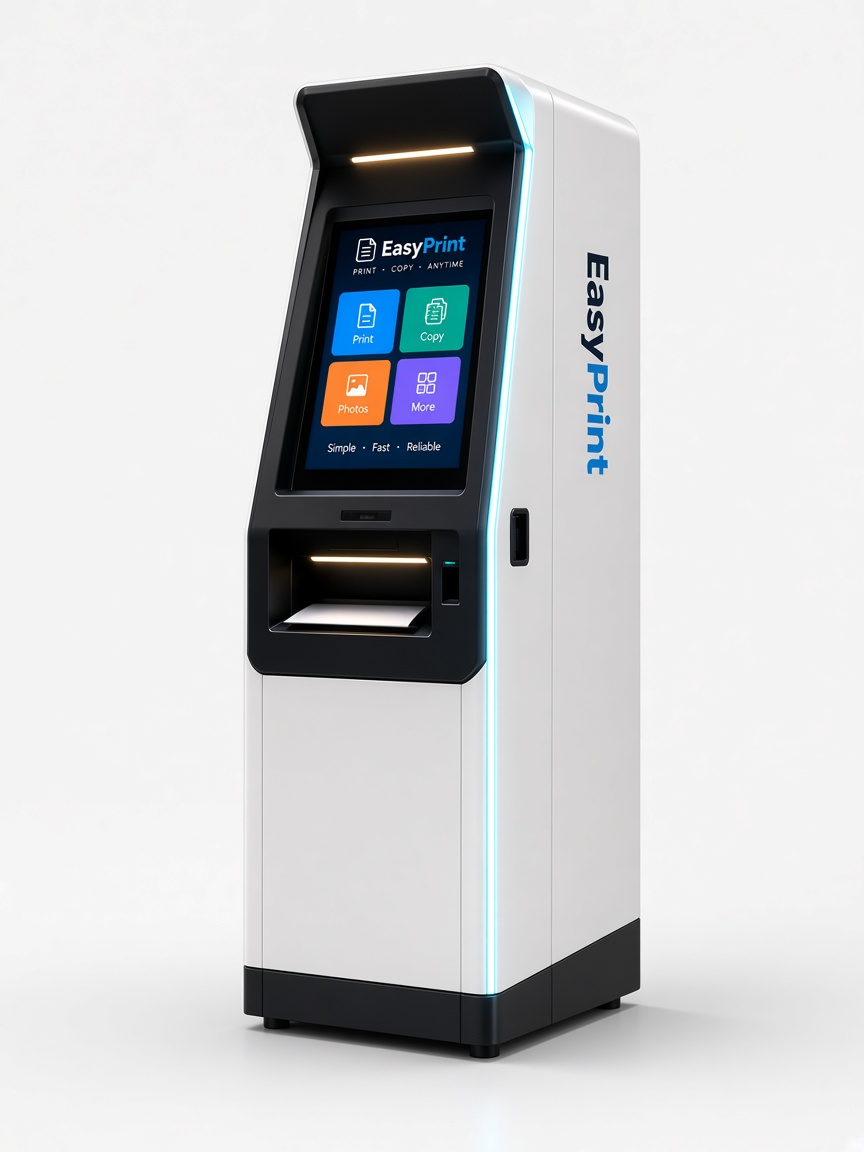
Traditional counter vs the kiosk
The short jobs leave the counter.
Same pages. The customer does the scan, the price, and the payment. You pick how you take the machine.
| Traditional counter | With the EasyPprint kiosk | |
|---|---|---|
| How a job starts | A file across the counter, or a WhatsApp chat. | The customer scans the QR. No app. |
| The price | Counted at the desk. | Shown on the phone before they pay. |
| Payment | Cash, or a UPI screenshot to check. | UPI or card. The job starts after payment. |
| Your people | Someone has to take every short job. | They stay on the work that needs them. |
| When it runs | While the counter is staffed. | While the cabinet is on. |
Buy it
You keep what it earns.
Pay the quoted price. You own the kiosk and you set the price of a page. Every model, including Lite at ₹1,50,000.
Or split it
You pay half.
EasyPprint puts in the other half. After the kiosk is live, the takings are shared. Standard, Pro and Solar, from ₹2,00,000.
How you take one
Two ways.
01
Buy the machine
You pay the quoted price. You own the kiosk. You keep what it earns. You set the price of a page. Paper, ink, and a person to refill the bay stay with your shop.
Every model, including Lite at ₹1,50,000.
02
Split the price
You pay half. EasyPprint puts in the other half. After the kiosk is live, the takings are shared, and that share returns our half. The split for each month is written in the agreement.
Standard, Pro and Solar. From ₹2,00,000.
The machines
Plus GST
EP-L100
EasyPprint Lite
₹1,50,000
Buy it at ₹1,50,000
Entry-level black and white kiosk.
800-page capacity · 2,600-page toner/ink capacity · 1 security camera · Main power
EP-S200
EasyPprint Standard
₹2,00,000
Buy it at ₹2,00,000
Or you pay ₹1,00,000
We put in ₹1,00,000
Hybrid-ready standard kiosk for shops, colleges and offices on steady power.
1,200-page capacity · 13,000-page ink capacity · 2 security cameras · Main power
EP-P300
EasyPprint Pro
₹2,50,000
Buy it at ₹2,50,000
Or you pay ₹1,25,000
We put in ₹1,25,000
High-capacity professional kiosk.
1,600-page capacity · 16,000-page ink capacity · 2 security cameras · Main power
EP-X400
EasyPprint Solar
₹3,00,000
Buy it at ₹3,00,000
Or you pay ₹1,50,000
We put in ₹1,50,000
High-capacity kiosk that runs on solar and electricity.
2,000-page capacity · 19,000-page ink capacity · 2 security cameras · Solar + electricity
A ready floor is usually live in 3–4 weeks from payment. The cabinet leaves Pune. Paper and ink capacity are the figures on each model.
What changes
The walk-up is the same on every cabinet: scan, pay, collect, and you set the price of a page. The price, the print, the camera, and the power are what change.
| Lite | Standard | Pro | Solar | |
|---|---|---|---|---|
| Code | EP-L100 | EP-S200 | EP-P300 | EP-X400 |
| Quoted price | ₹1,50,000 | ₹2,00,000 | ₹2,50,000 | ₹3,00,000 |
| Buy it | ₹1,50,000 | ₹2,00,000 | ₹2,50,000 | ₹3,00,000 |
| Or you pay | — | ₹1,00,000 | ₹1,25,000 | ₹1,50,000 |
| We put in | — | ₹1,00,000 | ₹1,25,000 | ₹1,50,000 |
| Paper | 800 pages | 1,200 pages | 1,600 pages | 2,000 pages |
| Toner / ink | 2,600 pages | 13,000 pages | 16,000 pages | 19,000 pages |
| Cameras | 1 | 2 | 2 | 2 |
| Power | Main power | Main power | Main power | Solar + electricity |
What the customer does
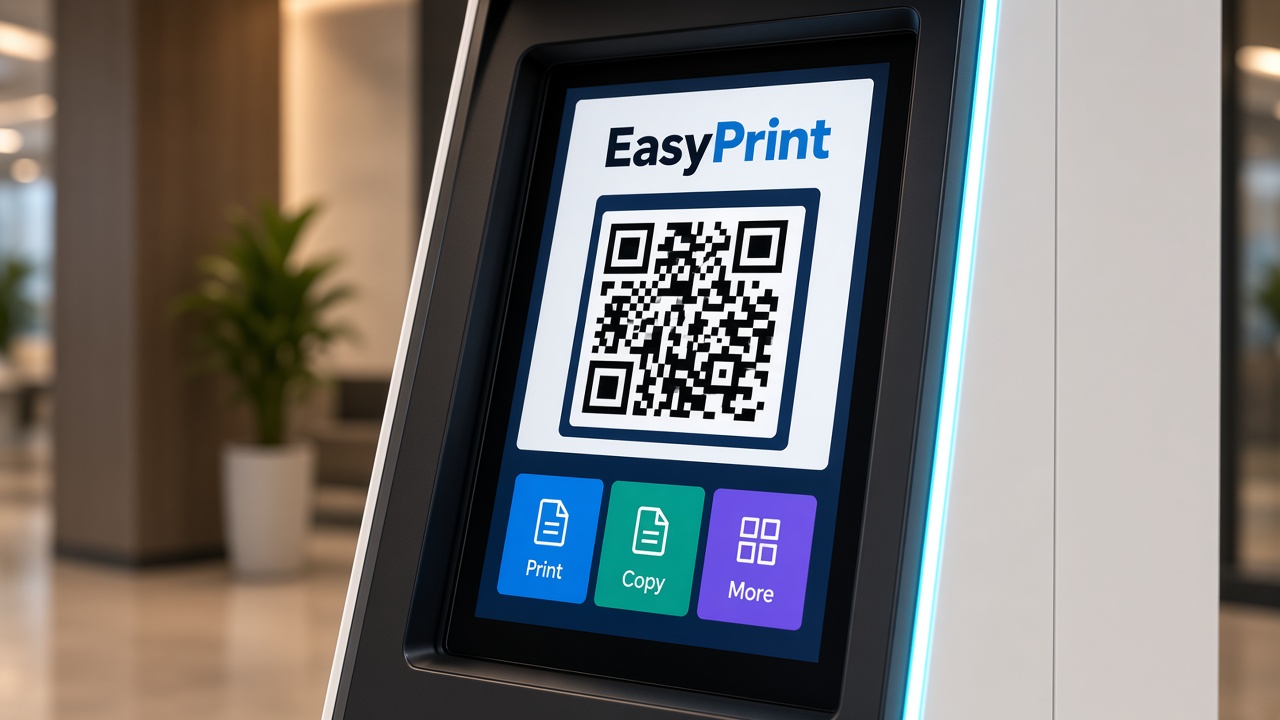
01
Scan
The phone camera reads the code on the cabinet and opens the page. No app.
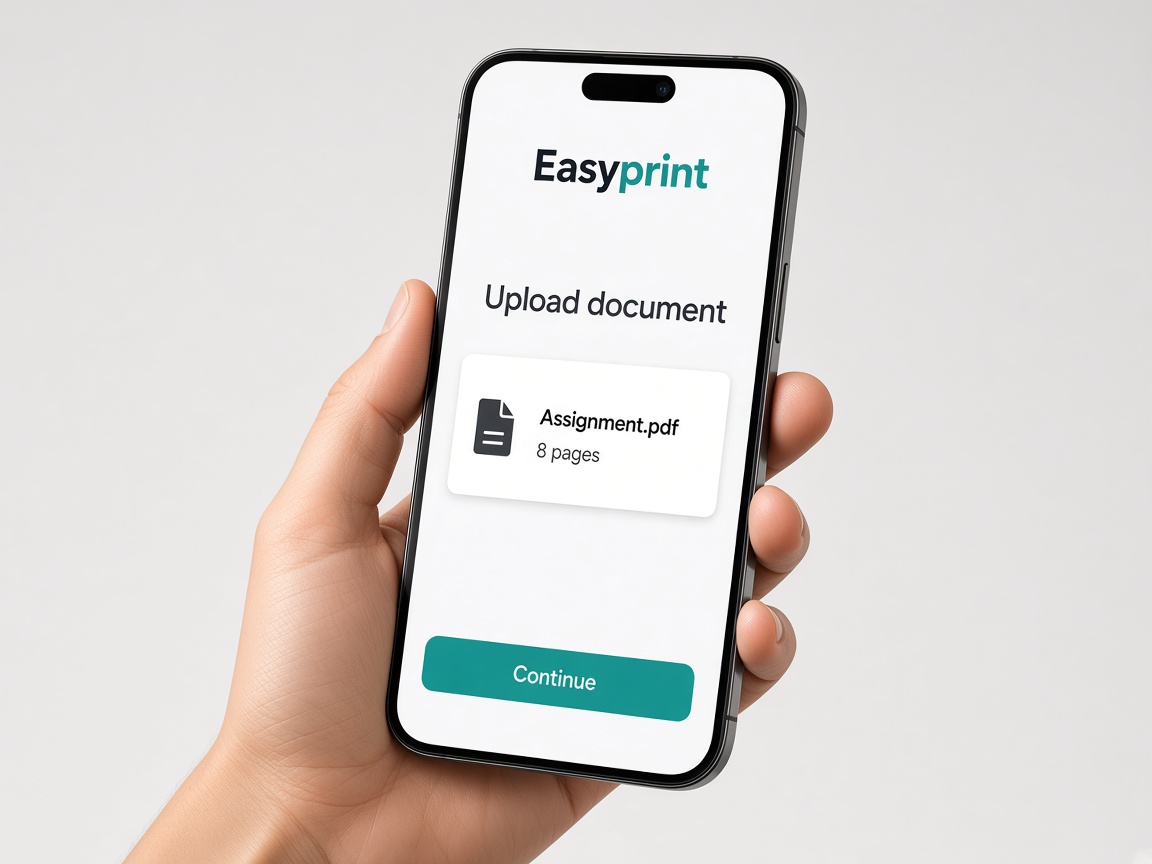
02
Send
A PDF or a photo from the phone. The screen offers what that printer can do.
03
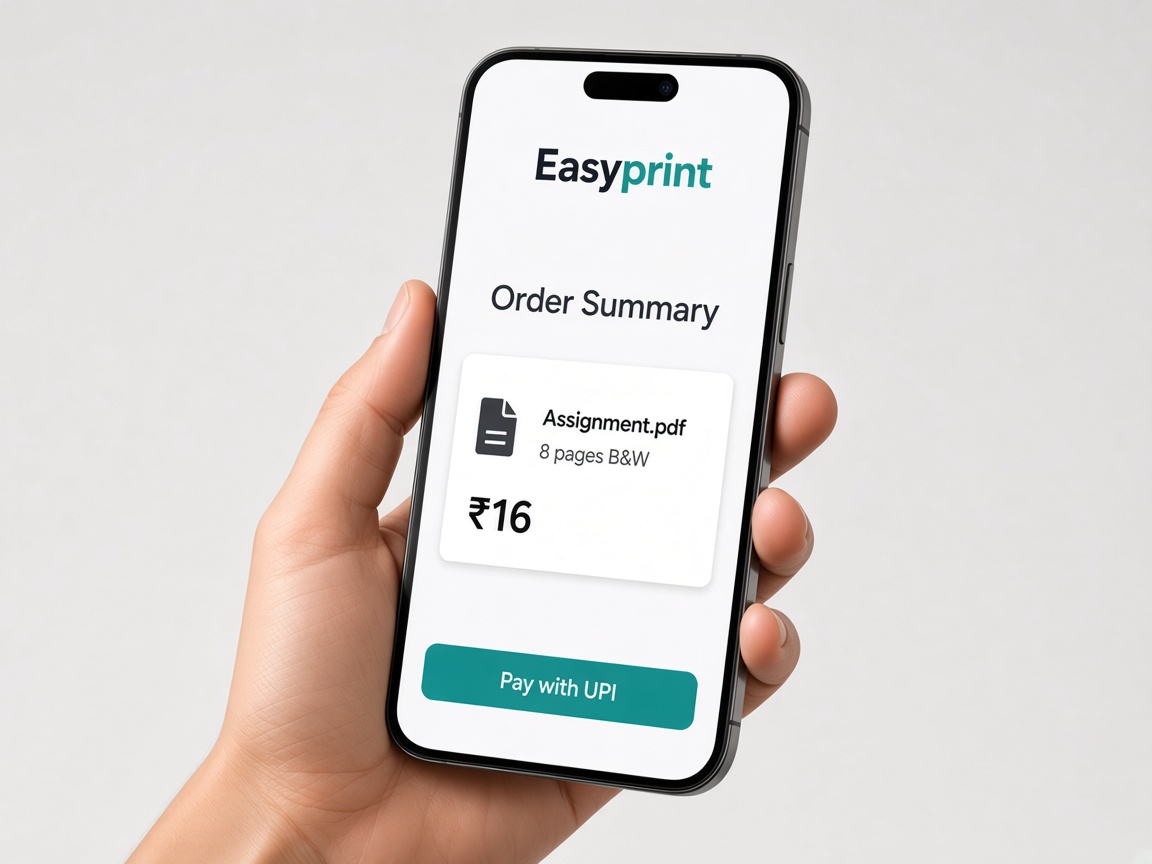
Pay
They see the price you set, then pay with UPI or a card. The job starts after payment.
04
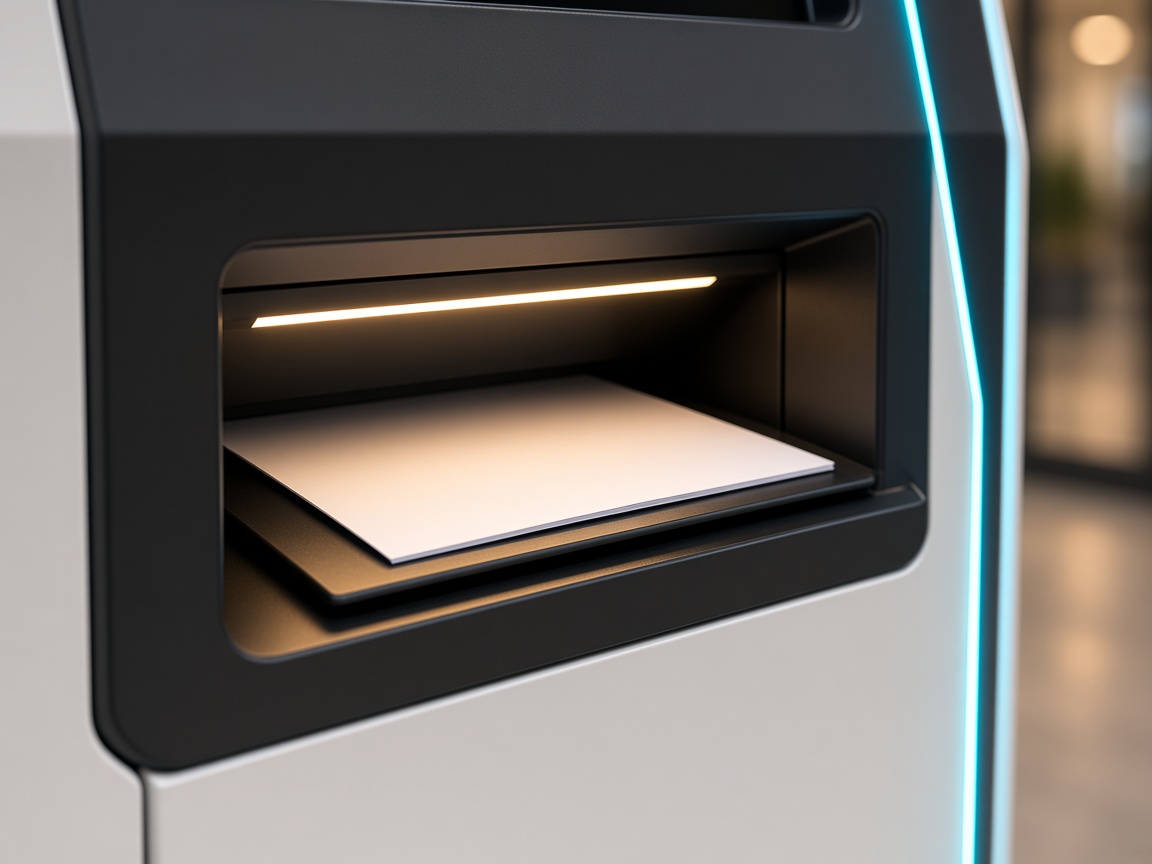
Collect
Pages come out of the tray. They take them and leave.
On your floor
- A spot for the cabinet, with room to open the paper bay
- Main power for Lite, Standard and Pro. Solar runs on solar and electricity
- Internet for the phone, the payment and the job
- Paper and ink, from the supplier you already use
- One person who refills it. The customer does not
A day’s takings
At ₹3.50 a page, with direct costs around 35%, over 30 open days. If you buy the machine, this stays with you. If you split the price, the agreement divides it. On a Standard, our half of the machine is ₹1,00,000.
A quiet day
500 prints a day
₹34,125
A steady day
1,000 prints a day
₹68,250
A full day
1,500 prints a day
₹1,02,375
Send this brochure.
Type your name and email. The PDF arrives there. Tell us the shop or the campus, and the city, and we will say which machine fits.