Buy it
You keep what it earns.
Pay the quoted price. You own the kiosk and you set the price of a page. Every model, including Lite at ₹1,50,000.
Self-service print kiosk
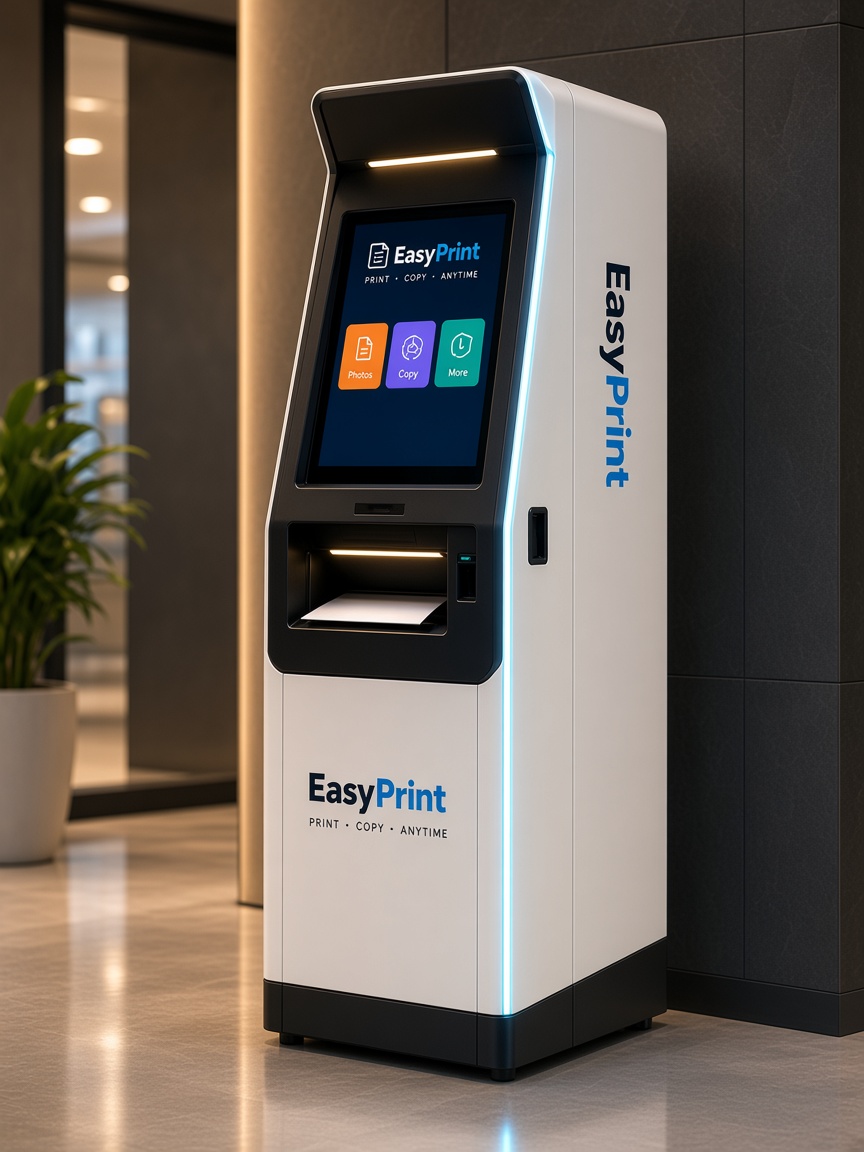
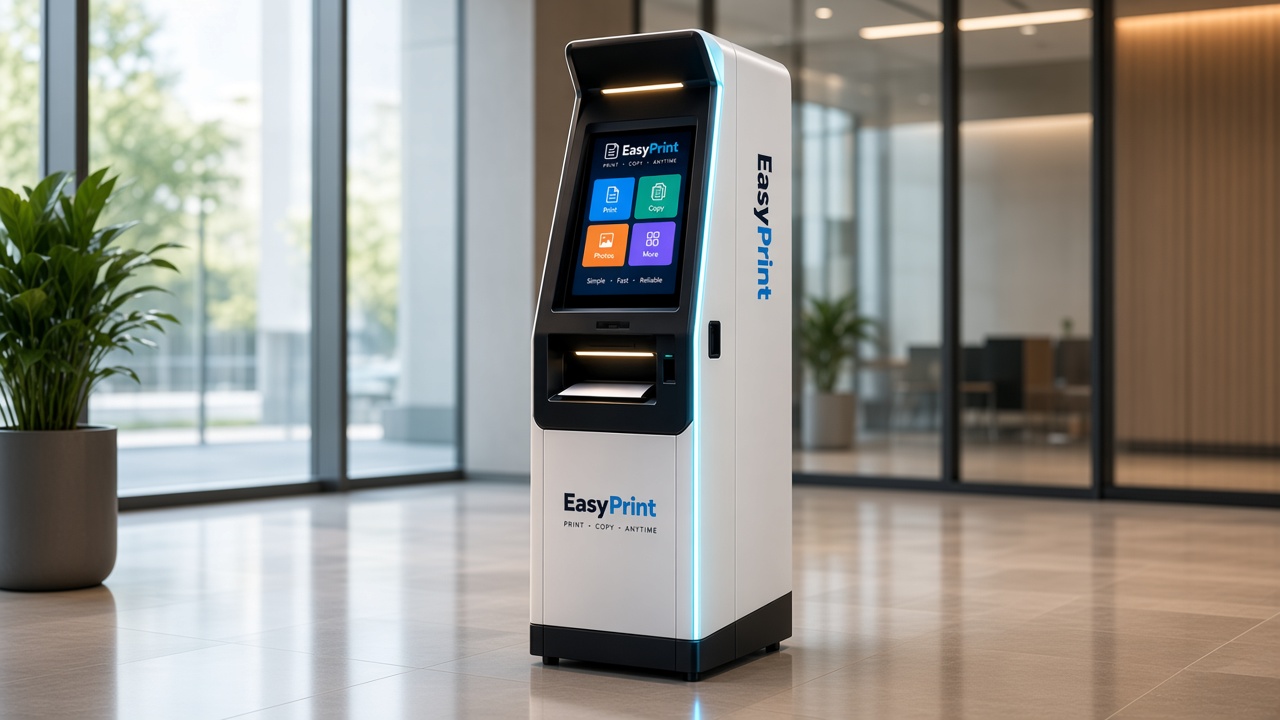
EasyPprint is a self-service print kiosk. Scan a QR, upload from the phone, pay, and collect — or run the same flow as software on the printer you already have.
Upload your file
No app. PDF or photo.
Traditional counter vs the kiosk
Same pages. The customer does the scan, the price, and the payment. You pick how you take the machine.
| Traditional counter | With the EasyPprint kiosk | |
|---|---|---|
| How a job starts | A file across the counter, or a WhatsApp chat. | The customer scans the QR. No app. |
| The price | Counted at the desk. | Shown on the phone before they pay. |
| Payment | Cash, or a UPI screenshot to check. | UPI or card. The job starts after payment. |
| Your people | Someone has to take every short job. | They stay on the work that needs them. |
| When it runs | While the counter is staffed. | While the cabinet is on. |
Buy it
Pay the quoted price. You own the kiosk and you set the price of a page. Every model, including Lite at ₹1,50,000.
Or split it
EasyPprint puts in the other half. After the kiosk is live, the takings are shared. Standard, Pro and Solar, from ₹2,00,000.
How it works
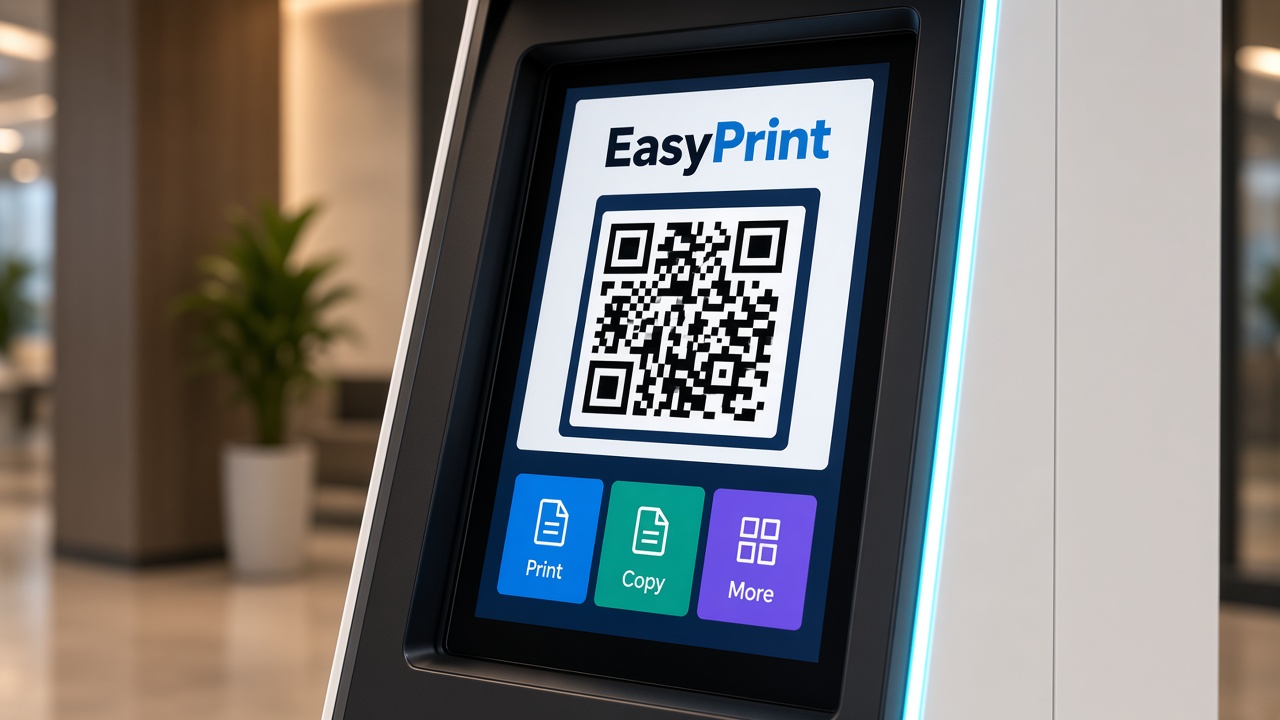
Point the phone camera at the QR on the kiosk or counter.
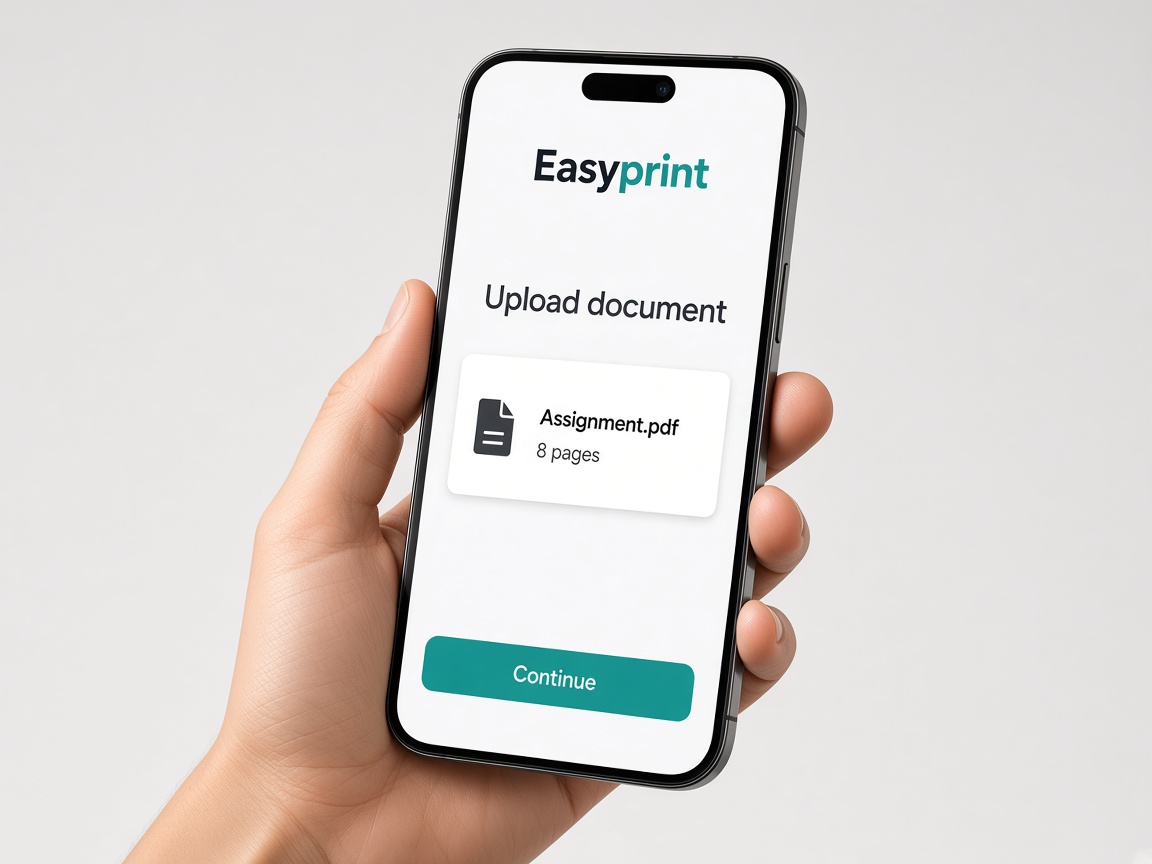
Send a PDF, photo, or file already on the phone. No app.
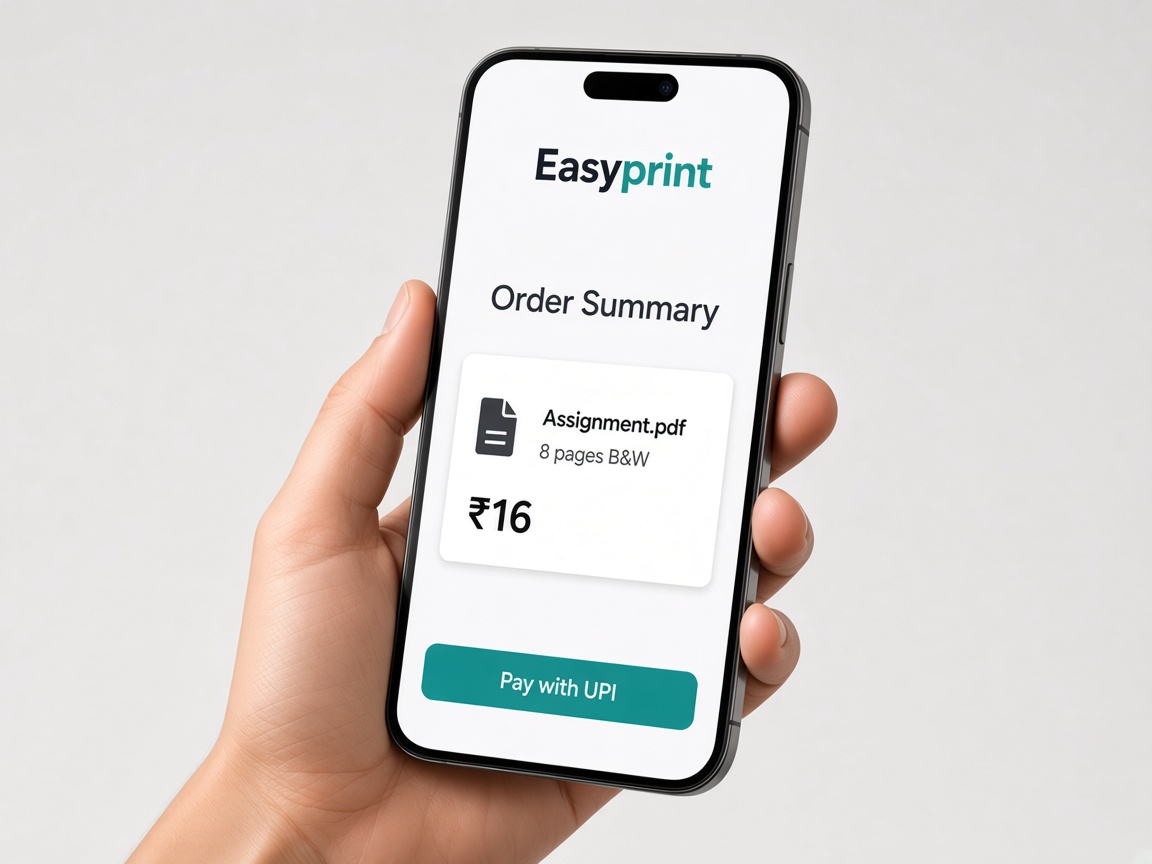
See the price, then pay with UPI or a card.
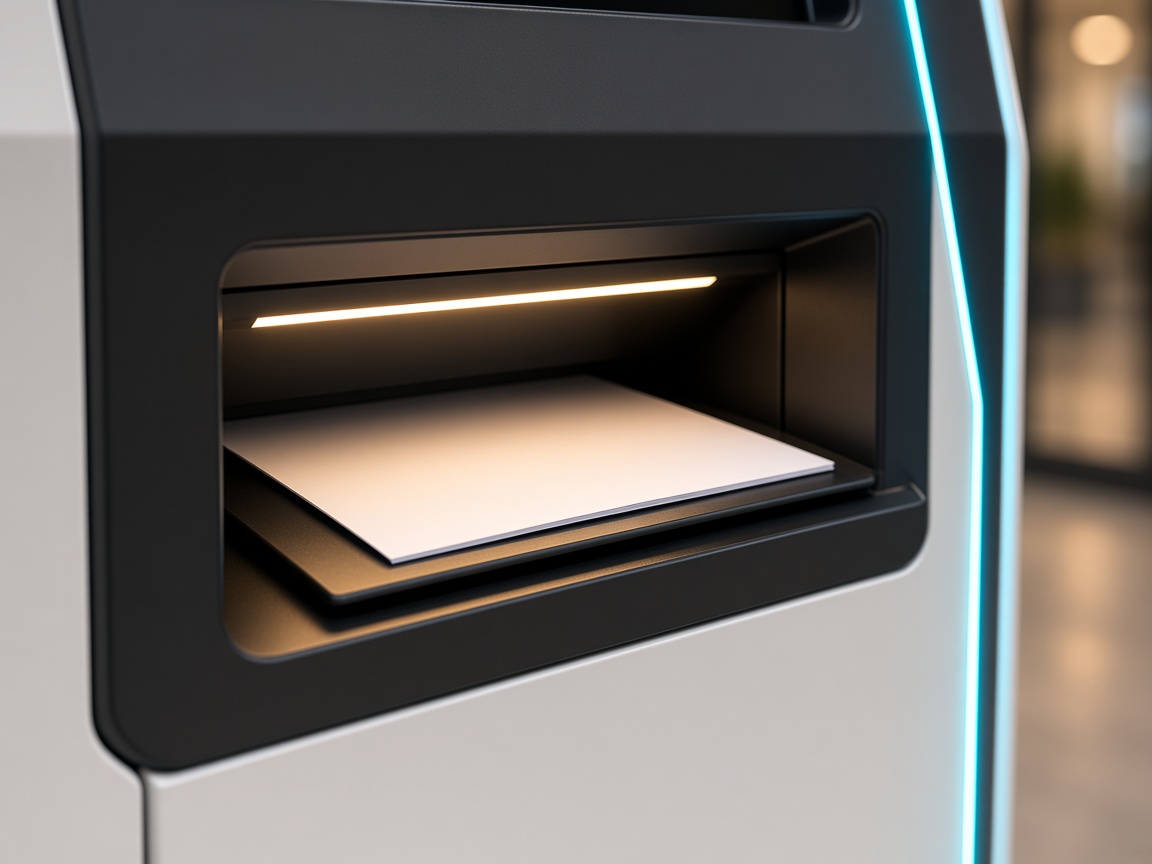
Pages come out of the tray. The file is not kept.
The phone flow
Walk through the customer path on the phone. This is a demo of the flow — not a live print job.
Camera opens this page. No app.
easypprint.app/p/pune-04
Interactive software demo
Walk the seven steps a customer takes. No app. Settings and price before pay.
Transformation
Compare the friction of traditional counter printing against the speed of EasyPprint self-service automation.
Customer sends WhatsApp document
Operator downloads file onto public counter PC; virus risk & privacy exposure.
Operator opens and inspects
Operator scrolls through PDF to count pages manually.
Customer explains settings
Verbal back-and-forth about colour vs B&W, odd/even pages, single vs double sided.
Operator calculates price
Mental math on counter calculator; disagreements on rates and discounts.
Payment checked manually
Customer scans generic UPI stand, shows screenshot, operator verifies bank notification.
Operator manually triggers print
Navigates print dialog, selects printer, selects duplex settings manually.
Customer waits in crowded line
Typical total cycle time: 8 to 12 minutes per customer.
SCAN
Point phone camera at kiosk or counter QR. Opens instantaneous browser app without install.
UPLOAD
Direct file select. Client-side preflight counts pages and verifies dimensions instantly.
CONFIGURE
Pick B&W or Colour, copies, duplex, and page range with live visual preview.
PAY
Transparent total calculated automatically. Instant 5-second UPI / card checkout.
Cloud releases job directly to printer engine. Zero operator intervention. Done in 45s.
Products
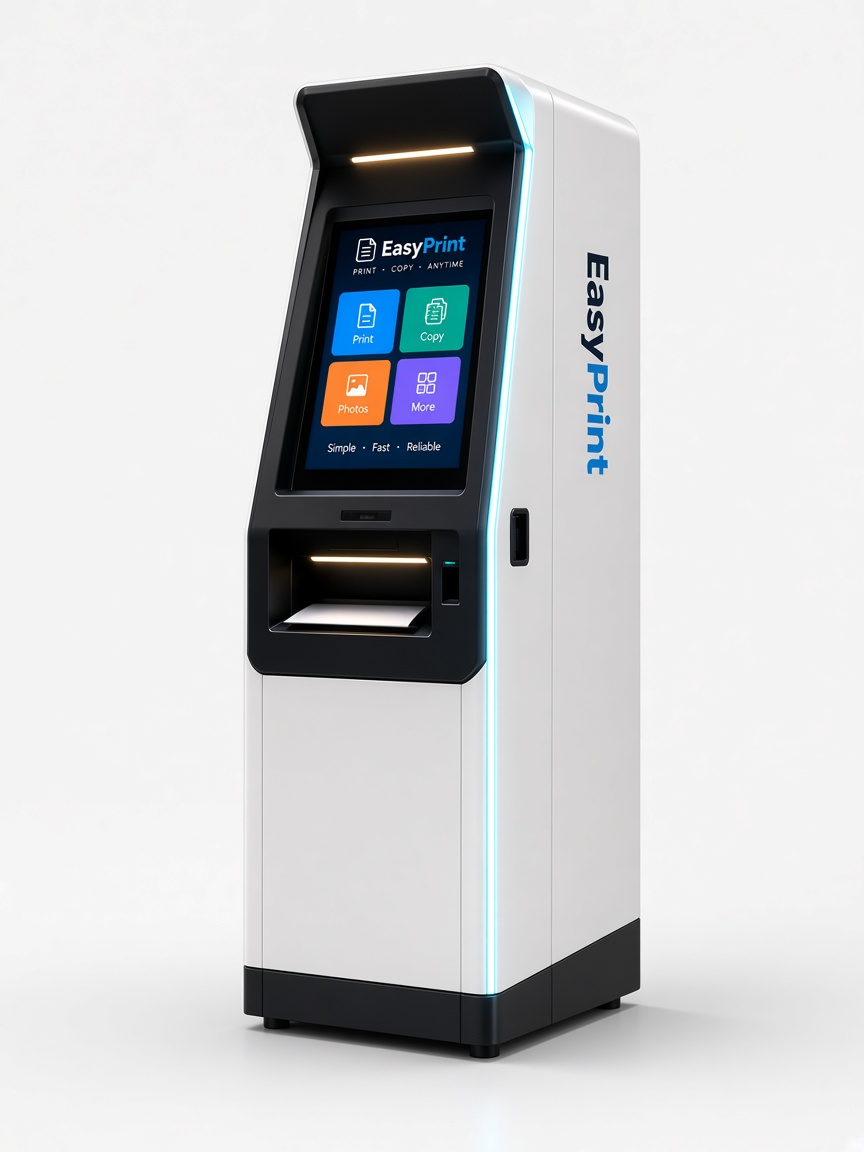
Kiosk
Screen, QR, payment, paper tray, and a locked cabinet. Built for campuses, libraries, hospitals, and public spaces.
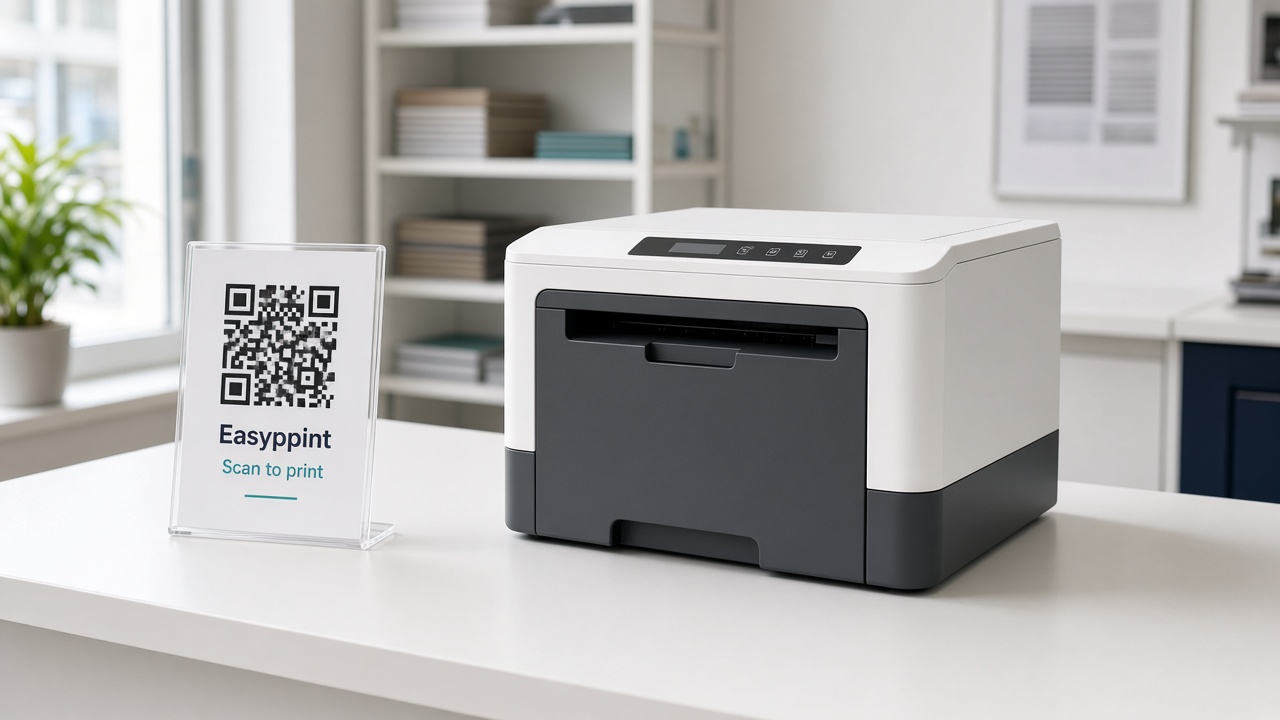
Software
Put a QR at the counter. Customers upload and pay on their phone. Jobs print on the machine you already own.
Configurations
Figures below are the current hardware quotation, plus GST. Buy the machine, or on ₹2,00,000 and above pay half while EasyPprint puts in the other half, then share revenue. Lite is a purchase only. Delivery is typically 3–4 weeks from the payment, site readiness permitting.
EP-L100
₹1,50,000
Entry-level black and white kiosk.
EP-S200
₹2,00,000
Hybrid-ready standard kiosk for shops, colleges and offices on steady power.
EP-P300
₹2,50,000
High-capacity professional kiosk.
EP-X400
₹3,00,000
High-capacity kiosk that runs on solar and electricity.
Where it sits
Assignments and notes without a queue at the Xerox shop.
Walk-up jobs print themselves. Staff stay on design and bulk work.
A locked station in the corridor. No shared USB sticks.
Paid public printing that does not pull staff off the desk.
Partner brochure
The kiosk, the four machines, and the commercial models. Share the page — chats pick up the kiosk preview — or save it as a PDF.
Questions
EasyPprint is a self-service print kiosk and QR printing software from Pune. Scan a QR, upload from your phone, pay with UPI, and collect prints. No app, no pendrive. Built for colleges, Xerox shops, libraries, offices and public spaces.